


1. Turn card on/off: Protect your card in real time
If you can't find your card or don't want to use it for a brief period, you can turn it on or off directly in the BBVA App. This way you maintain control and can react quickly without having to permanently block your card right away. This feature is a flexible way for you to manage your card directly via your smartphone and protect yourself from unauthorized access.
This is especially practical in everyday life or when traveling: You can adjust the status with just a few clicks
2. Limit card features: You decide what is possible
Via card management in the BBVA App, you can restrict specific card features. This includes online payments, on-site payments, ATM cash withdrawals and contactless payments. BBVA also offers differentiated settings depending on the feature, such as allowing access in Germany while blocking access abroad.
This is especially helpful if you only want to use your card for specific purposes. This way you reduce the risk and adapt the security features to your everyday life. You confirm changes in the App with a text message code, and can lift restrictions at any time.
3. Innovative approval methods: Transactions: confirm transactions securely and conveniently
With BBVA's approval methods, you can confirm transfers, payments and logins directly via your registered device – quickly and without detours via text message or external channels.
You have two secure options:
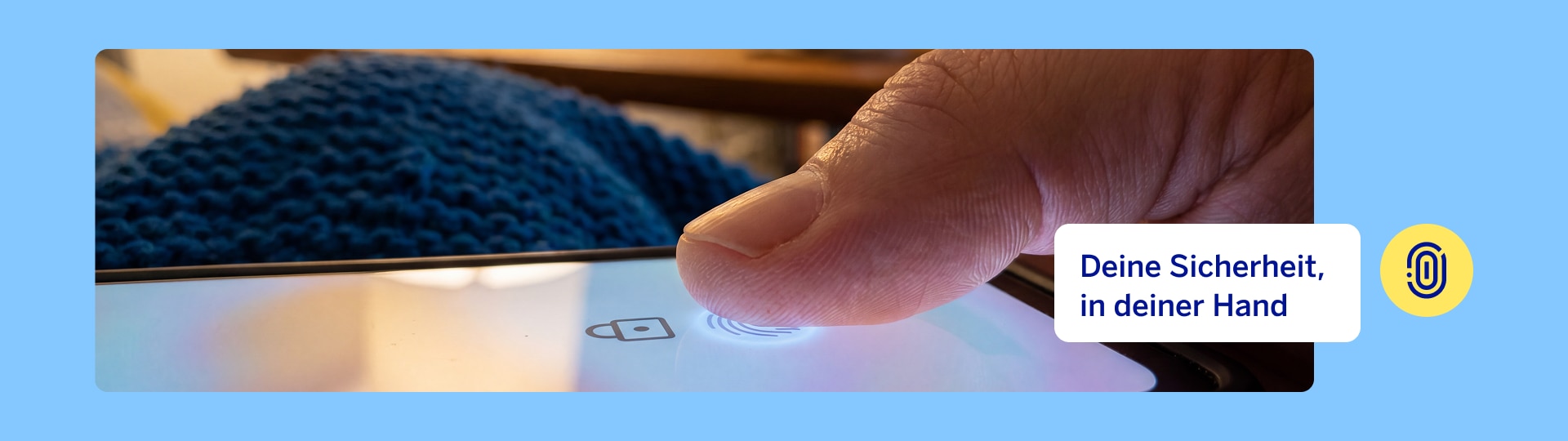
- Biometric approval: You confirm transactions with your fingerprint or via face recognition. Your identity is verified directly via your device, so only you can authorize processes.
- Approve with a click: An equally secure alternative without biometrics. Each transaction is confirmed via a device-specific code that is automatically generated in the background.
Both methods are based on the same secure technology and ensure that sharing is only possible from your registered device.
You benefit by being able to retain control at all times, and can directly approve important actions yourself. This includes confirming transfers, authorizing logins, or managing your limits.
Setting up your secure device can be done directly in the App and takes just a few minutes.
4. Discrete mode: more privacy on the go
Not all banking information is meant for prying eyes. For this reason, BBVA offers discrete mode in the App. It automatically hides balances and transactions when someone is looking at the display. The App uses AI via the front camera to detect the glances of strangers, and in this way protects sensitive data, especially in public.
It's also convenient that you have three options available: Normal, Private and Smart. This allows you to decide whether your data should always be visible, always hidden, or only automatically hidden when the App detects that other eyes are looking at your screen. This is especially useful if you frequently use your banking while on the go, in the office, or on public transport.
5. Report suspected fraud directly in the App
If a transaction seems suspicious to you, you can report the case directly in the BBVA App. Dafür gehst du in den Bereich Menü > Sicherheit und Datenschutz > Betrug, wählst die betreffende Transaktion aus und beschreibst, was passiert ist. BBVA will then inform you about the next steps.
Additionally, a 24/7 monitoring team helps you protect your transactions. You can also track the progress of your case via My messages, or contact Customer Service. This way you can react quickly in an emergency and report a fraud case digitally.

Your security comes first
Additional tips for even safer online banking
In addition to the App's features, we also recommend basic measures to increase security. These include using strong passwords, never sharing login credentials, and changing your password regularly.
It is also helpful to look at the last login in the App or in online banking. This way you can more quickly recognize if a login attempt seems suspicious. In addition, if you are inactive for a long period of time, your session will automatically end to protect your data.
Conclusion: More security with just a few clicks

More than 82 million people worldwide trust us with their banking.
Others also found interesting
-
Beware the returns trap: How online investment fraud really begins
Fake brokers, unexpected WhatsApp chats and promises of high returns: All good reasons to learn how investment fraud works, which warning signs you should be familiar with and how you can protect yourself.