
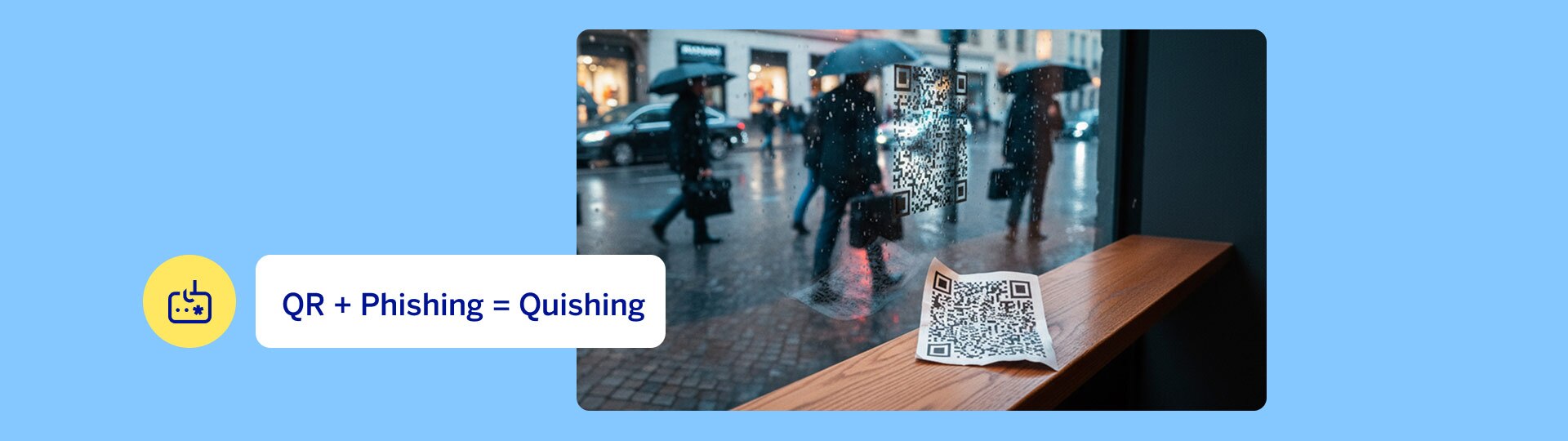
QR code + phishing = quishing
A QR ("quick response") code is a state-of-the-art barcode. It may contain a link to web content. Thanks to its square shape, it can be read by almost every smartphone. All one has to do is point the camera at the QR code. The device often recognizes the data even without an additional app. Whether it is for downloading apps or the menu in a restaurant, QR codes are everywhere. They are used to exchange contact information, display advertising, or enable contactless payment.
In cybersecurity, wherever a new tool is created, an attack is bound to follow. QR codes are no exception. This specific form of cybercrime is called quishing or QRishing, a newly coined word derived form the terms QR code and phishing.
What is Quishing?
The meaning of quishing is easily explained. When users scan a code, they are brought to a fraudulent website. There they are requested to provide login credentials or sensitive information. This is then misused for malicious purposes, such as identity theft, fraudulent payments, or unwanted subscriptions.
QR code fraud is constantly evolving. Criminals exploit the trust that is placed in QR codes because genuine and manipulated codes are almost indistinguishable from one another. As a result, they deliberately use psychological tricks to get users to disclose personal data.
This is how you can protect yourself from QR code fraud
Since not every QR code is secure, these tips will help you:
- Disable automatic redirection: In your camera settings, turn off the option to automatically open links after you have scanned them.
- Inspect the preview: Use scanner apps that display the target URL before the page loads. Check the address carefully before entering any data.
- Question the origin: Do not scan QR codes from dubious sources. Verify the sender's identity. If in doubt, a quick online search or a call to the provider will help.
- Be careful with payments: When conducting financial transactions via QR code, carefully check whether the transaction is proceeding as expected.
- Check for physical manipulation: In public places (such as at parking meters), check whether a sticker has been placed over the original code. Immediately report this tampering to the relevant personnel.
- Consider the context: If a QR code takes you to a page that asks for passwords or payment details, then you need to stop. Is this query really necessary at this moment?
Your security comes first
Protect your privacy
Fraud is not the only risk: QR codes can also pose a risk to your privacy. Many documents – such as doctor's appointments, bank receipts or tickets – contain QR codes with sensitive information.
If this type of code is shared or scanned, third parties can easily read and misuse this data.
Important to keep mind: Never share these codes publicly and do not send photos of these documents to unauthorized persons. Only show them if absolutely necessary, and keep them safe.
Conclusion: Paying attention is your best weapon against quishing
Protect yourself and inform others about the risks. Not everyone is aware of the danger that can lurk in the squares.
Do your part to promote cybersecurity!
Request a free physical or digital BBVA debit card with a dynamic CVV.
Others also found interesting
-
BBVA App: Protection against fraud through verified calls
Protect yourself from vishing and caller ID spoofing. Learn how the BBVA App confirms verified calls in real time and increases your security.