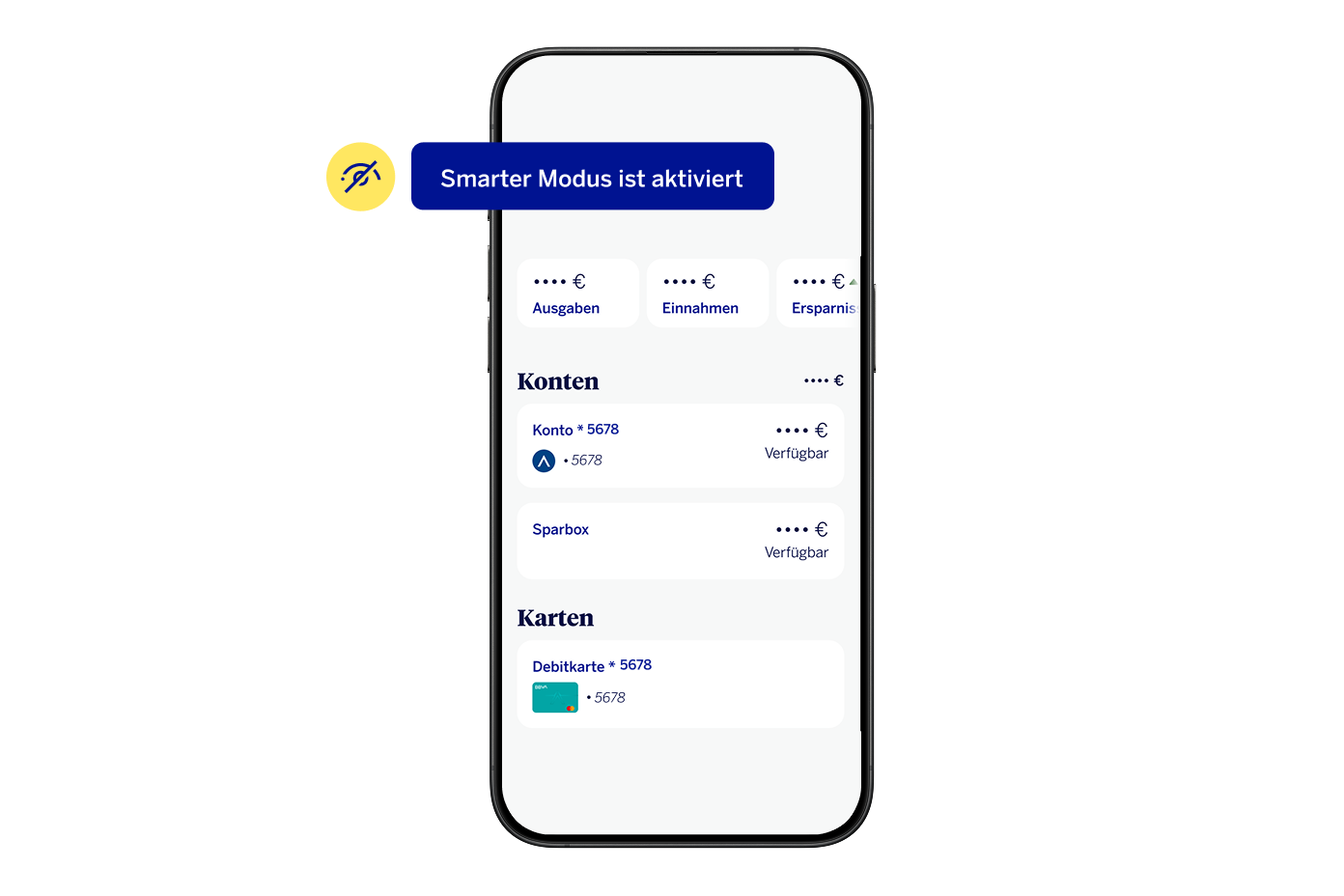
Your privacy is our highest priority!
Do you want to protect your account from prying eyes?
Simply tap the eye icon in the top left corner of your app screen and any sensitive data will be hidden!
Simply tap the eye icon in the top left corner of your app screen and any sensitive data will be hidden!
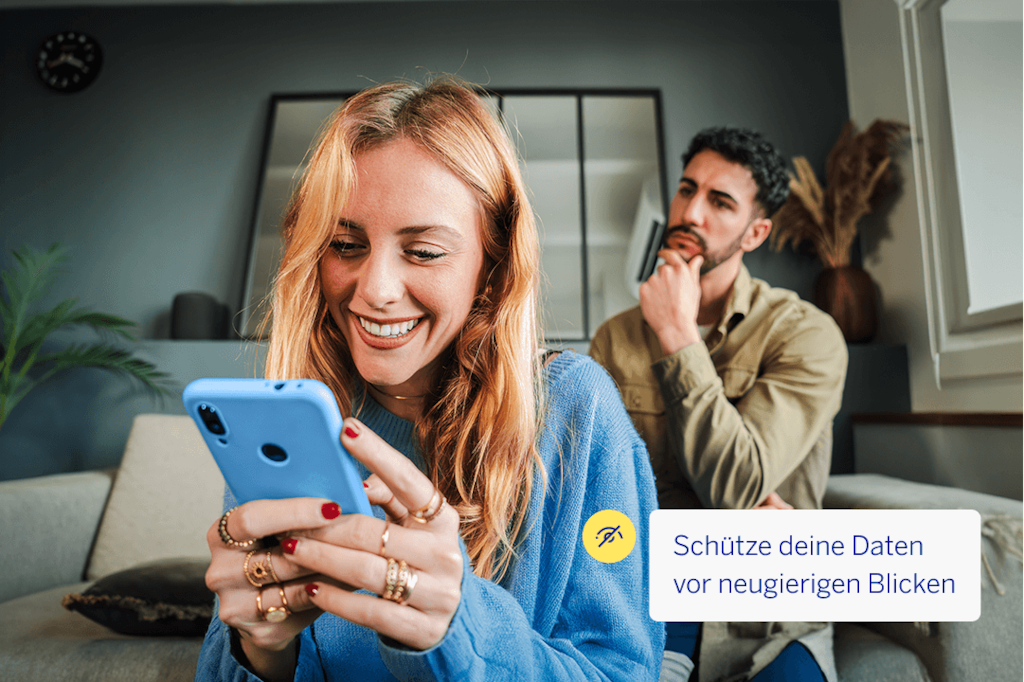
To activate Discreet Mode:
- Open the BBVA App and log in
- Top right of Menu →Settings → Discrete Mode
- Alternatively, you can also tap the eye symbolat the top of the App to quickly turn the mode on or off
Note: You can decide whether to activate this function only for the current session or leave it permanently enabled for future logins.
Smart Mode
From now on, the new Smart Mode will protect you even better:
If you are using the BBVA App and someone looks at your display, the App will automatically detect this and immediately hide your personal data.
This how to activate Smart Mode – it's very simple:
- Open the BBVA App and tap the menu icon in the top right corner.
- Choose "Settings" and then "Discrete Mode."
- There you will find "Smart Mode" – simply activate it by enabling face recognition in the camera settings.
With Smart Mode, you can do your banking securely – anytime and anywhere, without having to worry about prying eyes.